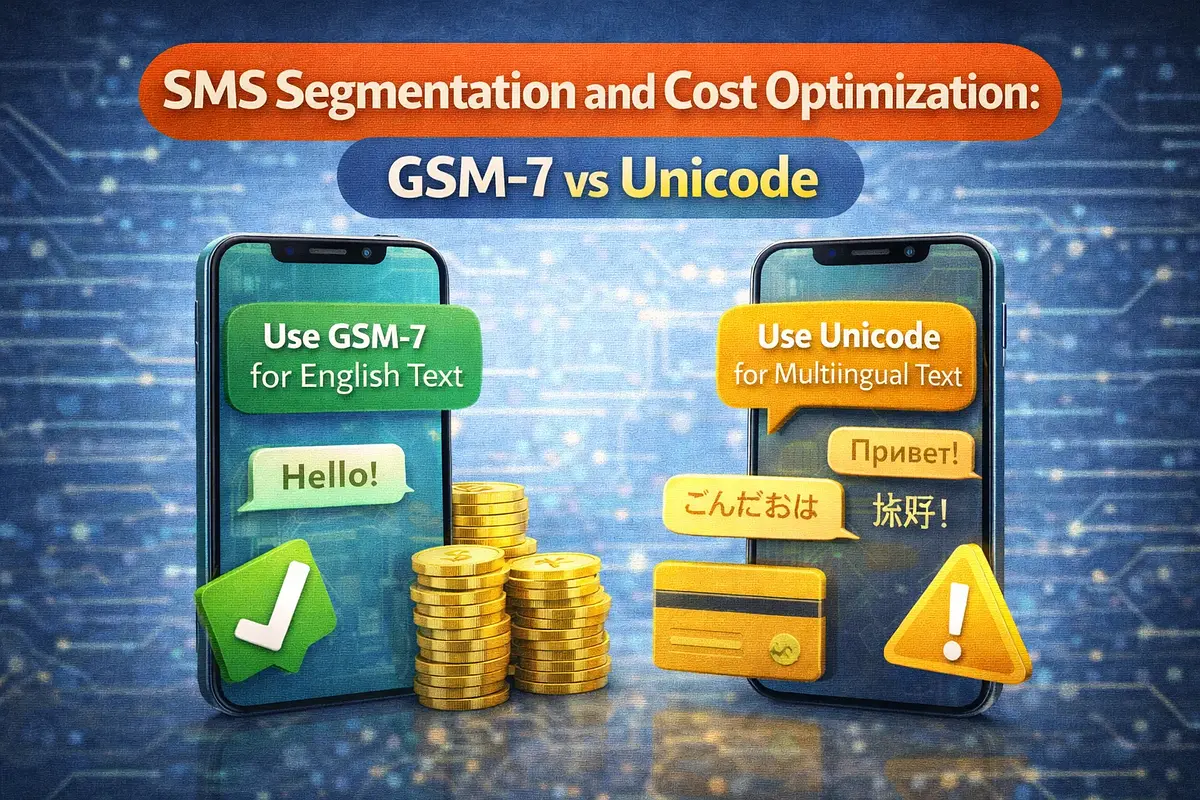
SMS Segmentation and Cost Optimization: GSM-7 vs Unicode
By: Jayson Presto
Published: February 13, 2026
Understand how GSM-7 and Unicode affect SMS segment count, billing, and delivery. Learn practical optimization tactics to reduce messaging cost without hurting user experience.
SMS Segmentation and Cost Optimization: GSM-7 vs Unicode
SMS cost is not based only on the number of messages you send. It is also affected by encoding and segment count. A message that looks short can still be billed as multiple SMS segments. This guide explains GSM-7 vs Unicode and how to optimize both delivery and cost.
Why Segmentation Matters
SMS billing typically happens per segment. If your message exceeds the segment limit, it is split into parts and billed accordingly. Segment growth often happens silently due to special characters, emojis, or long templates.
GSM-7 vs Unicode at a Glance
- GSM-7: Standard SMS character set used by most plain English text.
- Unicode (UCS-2): Used when message includes characters outside GSM-7 such as emojis, many symbols, and non-Latin scripts.
Character limits differ by encoding:
- GSM-7 single segment: up to 160 characters
- GSM-7 concatenated segment: 153 characters per segment
- Unicode single segment: up to 70 characters
- Unicode concatenated segment: 67 characters per segment
How a Single Character Can Increase Cost
A plain 150-character marketing message in GSM-7 is billed as one segment. Add one emoji and it can switch to Unicode, reducing limit to 70 characters and increasing billable segments.
In high-volume campaigns, this encoding shift can significantly increase monthly spend.
Common Unicode Triggers
- Emojis (for example: ✅, 🎉, 📣)
- Smart quotes and special punctuation copied from documents
- Non-Latin characters (e.g., Chinese, Arabic, Japanese)
- Unsupported symbols in templates
Even if most of your text is plain English, one unsupported character can force Unicode encoding for the whole message.
Cost Optimization Tactics
1. Validate Encoding Before Send
Add a pre-send check in your app to detect whether text is GSM-7 or Unicode and estimate segments before dispatch.
2. Standardize Template Content
Keep transactional templates plain and concise. Avoid unnecessary symbols and decorative characters in high-volume messages.
3. Set Segment Guardrails
Define maximum segment thresholds by message type. For example, OTP flows should usually remain one segment for faster delivery and lower cost.
4. Use URL Shortening Carefully
Long URLs quickly consume segment length. Use trusted short links and keep the total character count within target limits.
5. Monitor Segment Distribution
Track what percentage of traffic is billed at 1, 2, or 3+ segments. This quickly reveals template regressions and unexpected encoding changes.
Recommended Segment Policy by Use Case
- OTP / verification: Target 1 segment, no emojis, no long links.
- Critical alerts: Keep concise, prioritize clarity over style.
- Marketing: A/B test copy length and track cost-per-conversion, not only click rate.
- Reminders: Use compact templates with predictable variable lengths.
Operational Checklist
- Implement pre-send encoding and segment calculator.
- Approve templates in a central library to avoid random copy changes.
- Alert when Unicode usage spikes unexpectedly.
- Review top expensive templates every month.
- Report segment-level spend to product and operations teams.
Conclusion
SMS optimization starts with visibility. Once you control encoding, segment count, and template quality, you can reduce spend while preserving delivery performance and user experience. GSM-7 vs Unicode is a small technical detail with major cost impact at scale.
Need help optimizing your SMS traffic mix and template strategy? Contact us at admin+support@iprogtech.com to review your current messaging patterns.
Related Posts
Related SMS Solution Pages
Explore deeper implementation and buying-intent pages before launching your SMS workflow.
SMS API Philippines
SMS API Philippines - practical SMS guidance for Philippines with implementation and pricing next steps.
Open solutionBulk SMS Philippines
Bulk SMS Philippines - practical SMS guidance for Philippines with implementation and pricing next steps.
Open solution