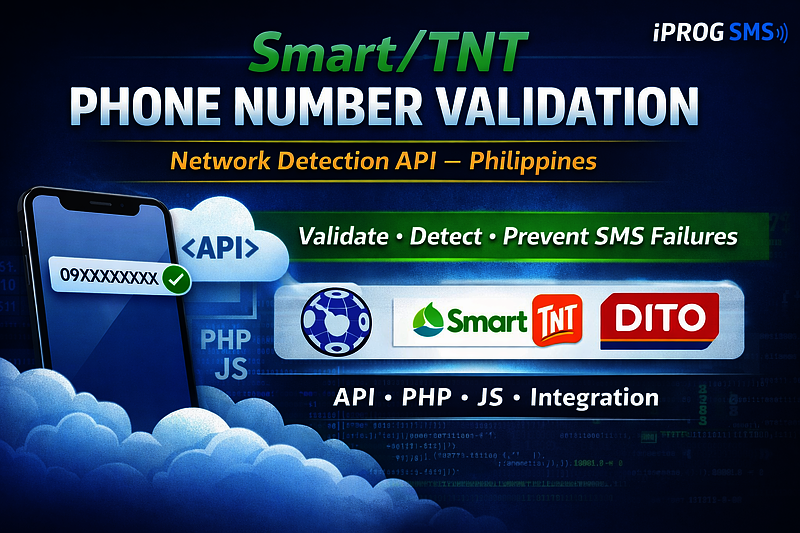
New Feature: Smart/TNT Phone Number Validation & Network Detection
By: Jayson Presto
Published: February 06, 2026
We've added a powerful new API endpoint to validate Philippine mobile numbers and detect their network carrier (Smart/TNT, Globe/TM, or DITO).
Introducing Phone Number Validation & Network Detection
We're excited to announce a new API endpoint that helps you validate Philippine mobile numbers and identify their network carrier. This feature is essential for ensuring your SMS messages are delivered successfully, especially when working with Smart/TNT networks.
Why This Matters
In the Philippines, different mobile networks have different requirements for SMS delivery. Smart/TNT networks, in particular, require approved sender names for message delivery. With our new validation endpoint, you can:
- Validate phone number formats - Ensure numbers are in the correct Philippine mobile format (09XXXXXXXXX or +639XXXXXXXXX)
- Detect network carriers - Identify if a number belongs to Smart/TNT, Globe/TM, or DITO
- Prevent delivery failures - Know in advance if a number requires special handling
- Improve user experience - Provide immediate feedback on phone number validity
How It Works
Our API endpoint analyzes the phone number's prefix (the first 4 digits after the country code) to determine which network it belongs to. We maintain comprehensive databases of prefixes for:
- Smart/TNT - Including prefixes like 0908, 0911, 0920, 0930, and many more
- Globe/TM - Including prefixes like 0905, 0915, 0917, 0927, and others
- DITO - Including prefixes like 0895, 0896, 0897, 0898, and more
API Usage
To use this endpoint, make a POST request to:
POST /api/v1/phone_numbers/detect
Request Parameters:
- api_token - Your API authentication token (required)
- phone_number - The phone number to validate (required)
Example Request:
{
  "api_token": "your_api_token_here",
  "phone_number": "09123456789"
}
Success Response:
{
  "status": "success",
  "data": {
    "phone_number": "09123456789",
    "is_smart_tnt": false,
    "network": "Globe/TM"
  }
}
Error Response (Invalid Format):
{
  "status": "error",
  "message": "Invalid phone number format. Philippine mobile numbers must be in format: 09XXXXXXXXX or +639XXXXXXXXX (11 digits total)",
  "data": {
    "phone_number": "090812123232121323",
    "is_smart_tnt": false,
    "network": "Invalid Format"
  }
}
Supported Formats
The API accepts phone numbers in multiple formats:
- Local format: 09XXXXXXXXX (11 digits, starts with 09)
- International format: +639XXXXXXXXX (starts with +63)
- Alternative format: 639XXXXXXXXX (starts with 63, no plus sign)
Network Detection
Our system can identify:
- Smart/TNT - Numbers belonging to Smart Communications, TNT, or Sun Cellular
- Globe/TM - Numbers belonging to Globe Telecom or TM (Touch Mobile)
- DITO - Numbers belonging to DITO Telecommunity
- Unknown Network - Valid Philippine mobile numbers that don't match known prefixes
Use Cases
This feature is particularly useful for:
- Form validation - Validate phone numbers before submission
- Bulk messaging - Filter numbers by network before sending
- Compliance checking - Ensure you have proper sender name approval for Smart/TNT numbers
- User onboarding - Provide immediate feedback during registration
- Data quality - Clean and validate phone number databases
Best Practices
- Always validate phone numbers before sending SMS messages
- Check if numbers are Smart/TNT and ensure you have an approved sender name
- Handle invalid formats gracefully with user-friendly error messages
- Cache validation results when processing bulk numbers
Next Steps
Ready to start using this feature? Check out our API Documentation for complete details, code examples, and integration guides.
If you need help getting your sender name approved for Smart/TNT networks, visit our Sender Names page to submit an application.
Have questions or feedback? Don't hesitate to reach out to our support team!
Related Posts
Related SMS Solution Pages
Explore deeper implementation and buying-intent pages before launching your SMS workflow.
SMS API Philippines
SMS API Philippines - practical SMS guidance for Philippines with implementation and pricing next steps.
Open solutionBulk SMS Philippines
Bulk SMS Philippines - practical SMS guidance for Philippines with implementation and pricing next steps.
Open solution