Campaigns Feature: Send, Schedule, Track, and Reuse SMS Blasts
Learn how to use the new Campaigns feature in IPROG SMS to run one-way SMS blasts with scheduling, tracking, duplication, and optional unsubscribe links.
Campaigns is now live on IPROG SMS
If you are sending one-way announcements to many recipients, the new Campaigns feature gives you a faster and more organized workflow.
Instead of preparing bulk messages manually each time, you can create reusable campaigns, select group contacts, and monitor results in one place.
Who can use Campaigns?
Campaigns is available for accounts with an approved sender name. This helps improve sender trust and keeps campaign delivery aligned with your account setup.
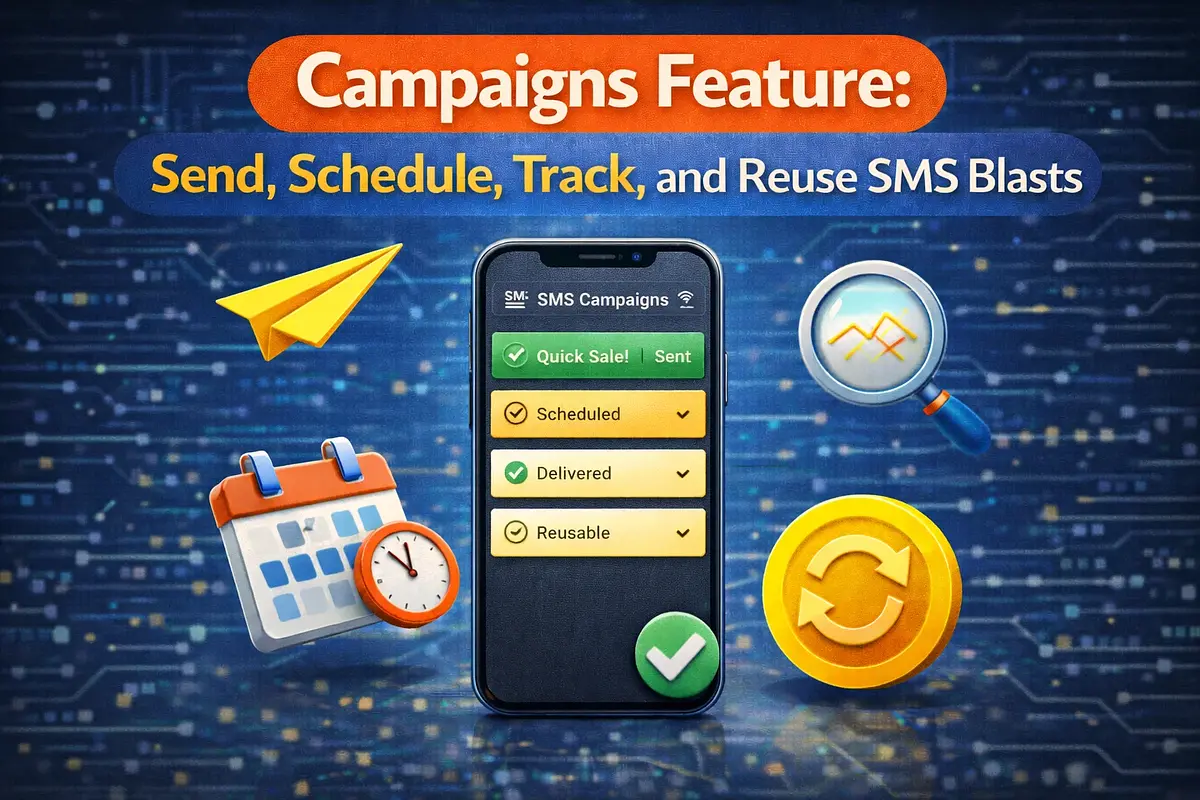
What you can do with Campaigns
- Send now for immediate SMS blast delivery
- Schedule campaigns for future sending
- Track campaign status and recipient-level outcomes
- Duplicate successful campaigns for repeat use
- Delete completed campaigns when no longer needed
Optional unsubscribe behavior
During campaign setup, you can choose whether to include an unsubscribe link in the SMS body. This gives you better control based on your communication policy.
If enabled, recipients can unsubscribe with one click and future campaign sends will automatically skip unsubscribed numbers.
API support for campaigns
Campaign workflows are also available in API v1, including create, update, start, schedule, pause, resume, cancel, and duplicate actions.
This is useful if you want to automate campaign operations from your own app or admin system.
How to start
- Create or confirm your Group Contacts
- Open the Campaigns page
- Create a campaign and select groups
- Choose Send Now or Schedule
- Monitor delivery and campaign status
Start here: https://www.iprogsms.com/campaigns
Related Posts
Related SMS Solution Pages
Explore deeper implementation and buying-intent pages before launching your SMS workflow.
SMS API Philippines
SMS API Philippines - practical SMS guidance for Philippines with implementation and pricing next steps.
Open solutionBulk SMS Philippines
Bulk SMS Philippines - practical SMS guidance for Philippines with implementation and pricing next steps.
Open solution