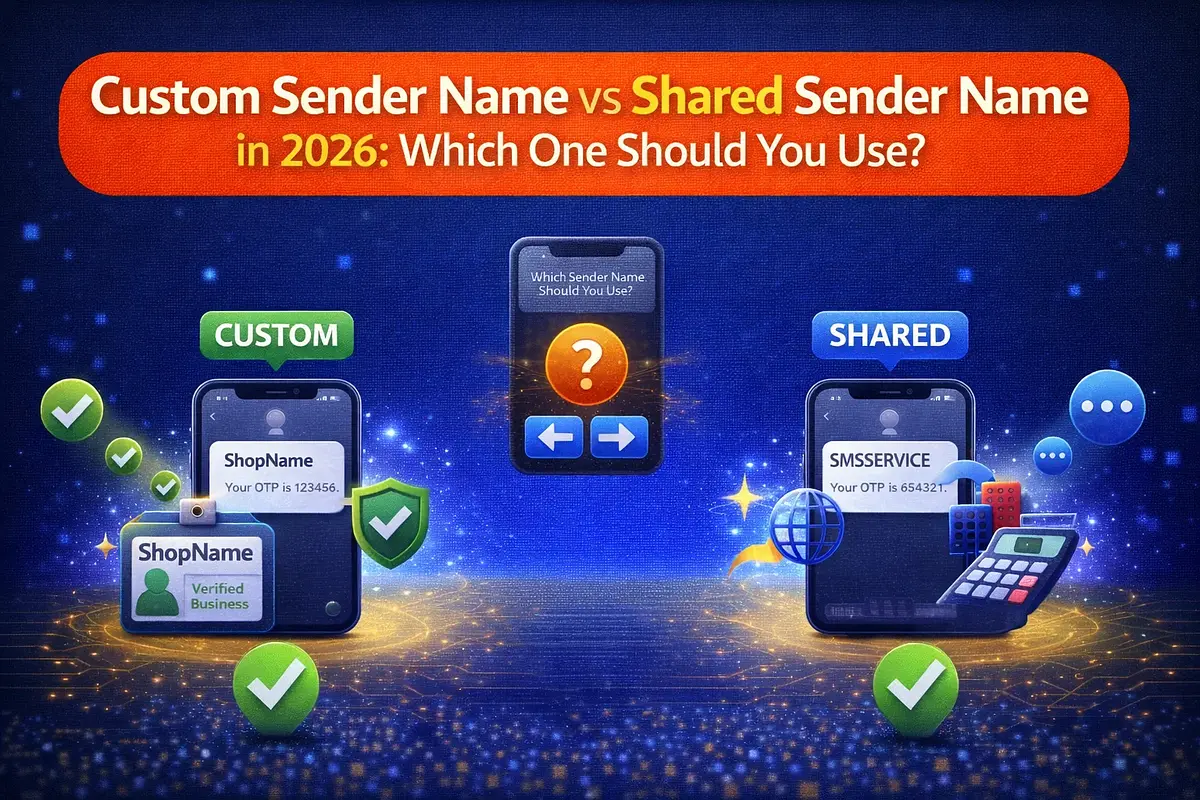
Custom Sender Name vs Shared Sender Name in 2026: Which One Should You Use?
By: Jayson Presto
Published: February 21, 2026
Compare custom sender names and shared sender names for SMS in the Philippines, including network coverage, approval flow, and when to upgrade.
Quick answer
Use shared sender names if you want to start quickly for basic sending. Use a custom sender name if you need stronger brand identity and all-network support, including Smart/TNT.
What is a shared sender name?
Shared sender names are platform-provided sender IDs such as iprogSMS, iprogOTP, and iprogRemind. They let you start sending immediately without waiting for telco approval.
- Fast setup for testing and early rollout
- Good for general notifications and early product validation
- Coverage for Globe/TM and DITO
What is a custom sender name?
A custom sender name is your own approved sender ID tied to your organization, business, or student project identity.
- Brand-aligned sender identity
- Better trust and recognition from recipients
- Required for Smart/TNT coverage and full-network campaigns
Network coverage comparison
- Shared sender names: Globe/TM and DITO
- Custom approved sender name: all major networks including Smart/TNT, Globe/TM, and DITO
When shared sender names are enough
- You are still validating your SMS flow
- You are running internal testing or low-risk reminders
- Your audience does not require Smart/TNT coverage yet
When to move to a custom sender name
- You need wider delivery reach including Smart/TNT
- You run business campaigns and want sender brand consistency
- You need long-term campaign reliability and clearer sender identity
Business and student capstone use cases
Businesses should move early to custom sender names for campaign consistency and broader reach.
Student capstone teams can start with shared sender names during development, then request a custom sender name before final deployment or presentation if full-network support is needed.
How to request a custom sender name
- Go to the sender name request page
- Submit required details and LOA
- Wait for review and telco approval
Start here: https://www.iprogsms.com/sender-names/new
Final recommendation
Start fast with shared sender names, then upgrade to a custom sender name as soon as your use case requires full-network delivery and stronger sender identity. This is the practical path for both business teams and student builders in 2026.
Related Posts
Related SMS Solution Pages
Explore deeper implementation and buying-intent pages before launching your SMS workflow.
SMS API Philippines
SMS API Philippines - practical SMS guidance for Philippines with implementation and pricing next steps.
Open solutionBulk SMS Philippines
Bulk SMS Philippines - practical SMS guidance for Philippines with implementation and pricing next steps.
Open solution